#What you need
You do not need a password, a seed phrase, or any crypto to start. Resonate signs you in with a passkey — the same Face ID, fingerprint, or device PIN you already use to unlock your phone or laptop.
#Create your account
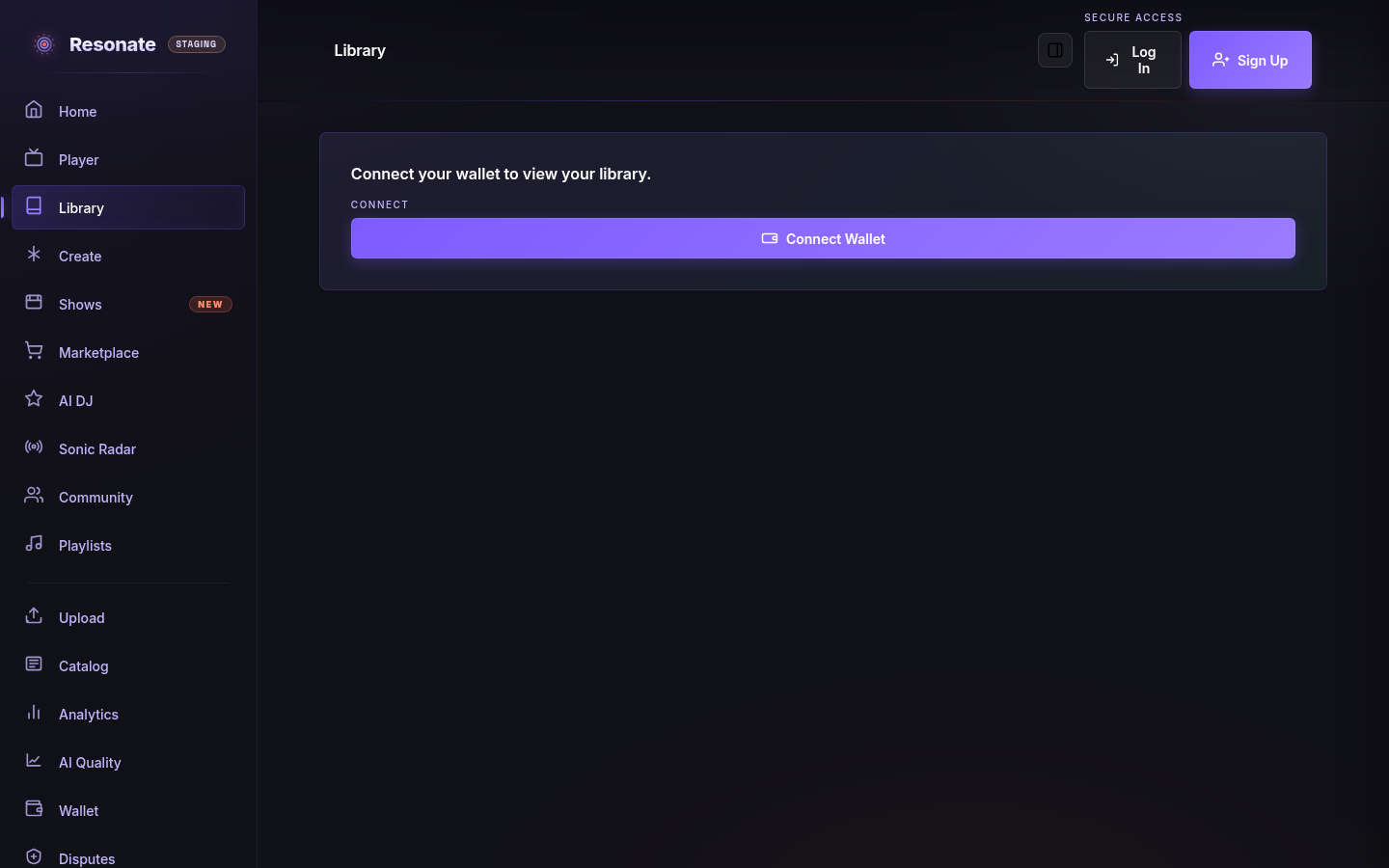
- Open Resonate and select Sign Up in the top-right corner.
- When your device prompts you, approve the passkey with Face ID, your fingerprint, or your device PIN.
- That's it — your account and a personal wallet (your 'smart account') are created together.
#Signing in again
Choose Log In and approve the same passkey. On a brand-new device, sign in with the passkey you saved (most phones and browsers sync passkeys for you), then continue where you left off.