#Start playing
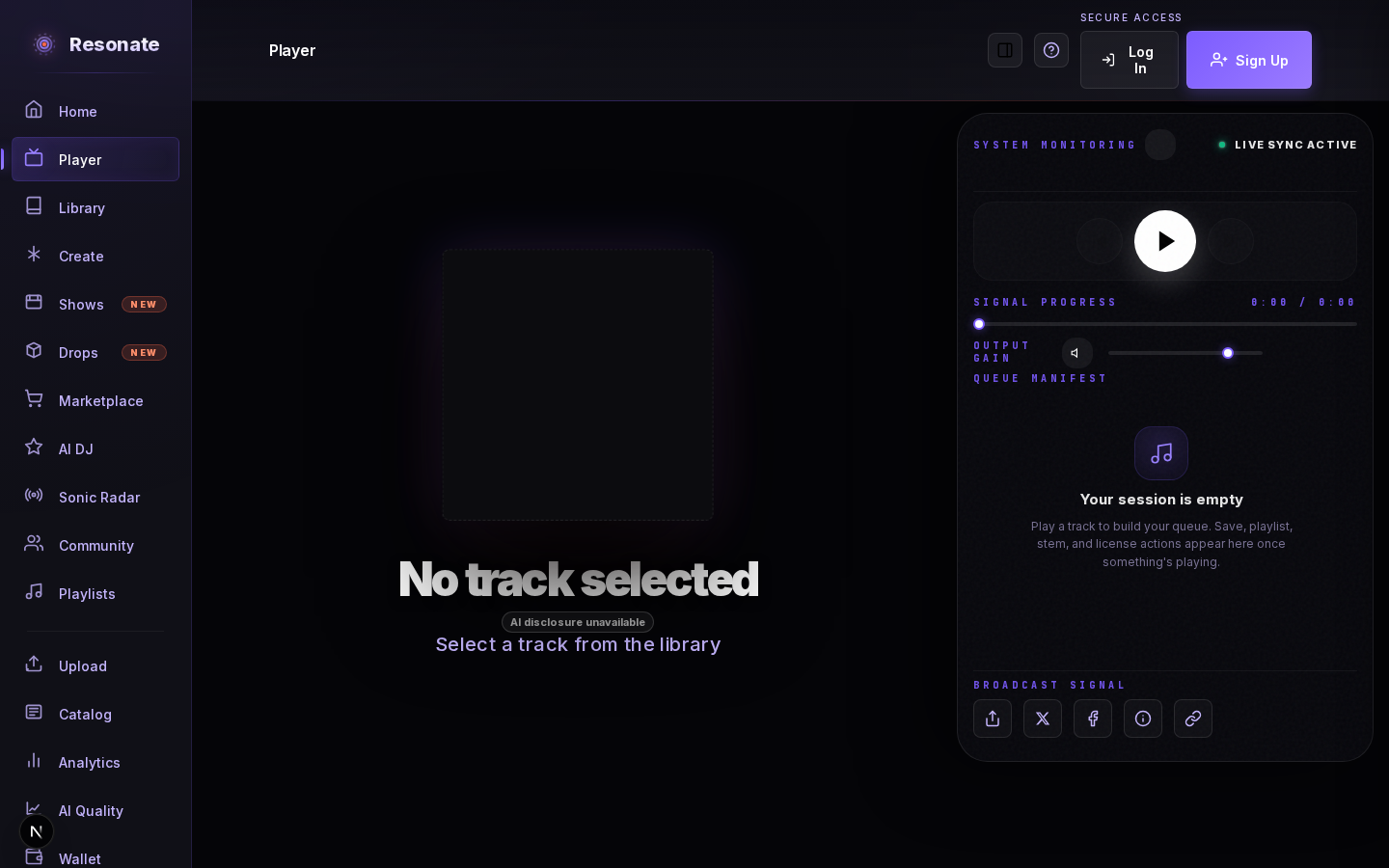
Press play on any track in Discover, the catalog, a release page, or your library. The Player opens a Now Playing console with full transport controls and your live queue.
#Build and control your listening session
- Use Play next or Add to queue on a track, selected tracks, an album, or a playlist. Multi-track additions keep their displayed order and already-queued tracks are skipped.
- Shuffle plays every eligible queued track once before Repeat All begins another cycle. Tracks added during shuffle join the current cycle.
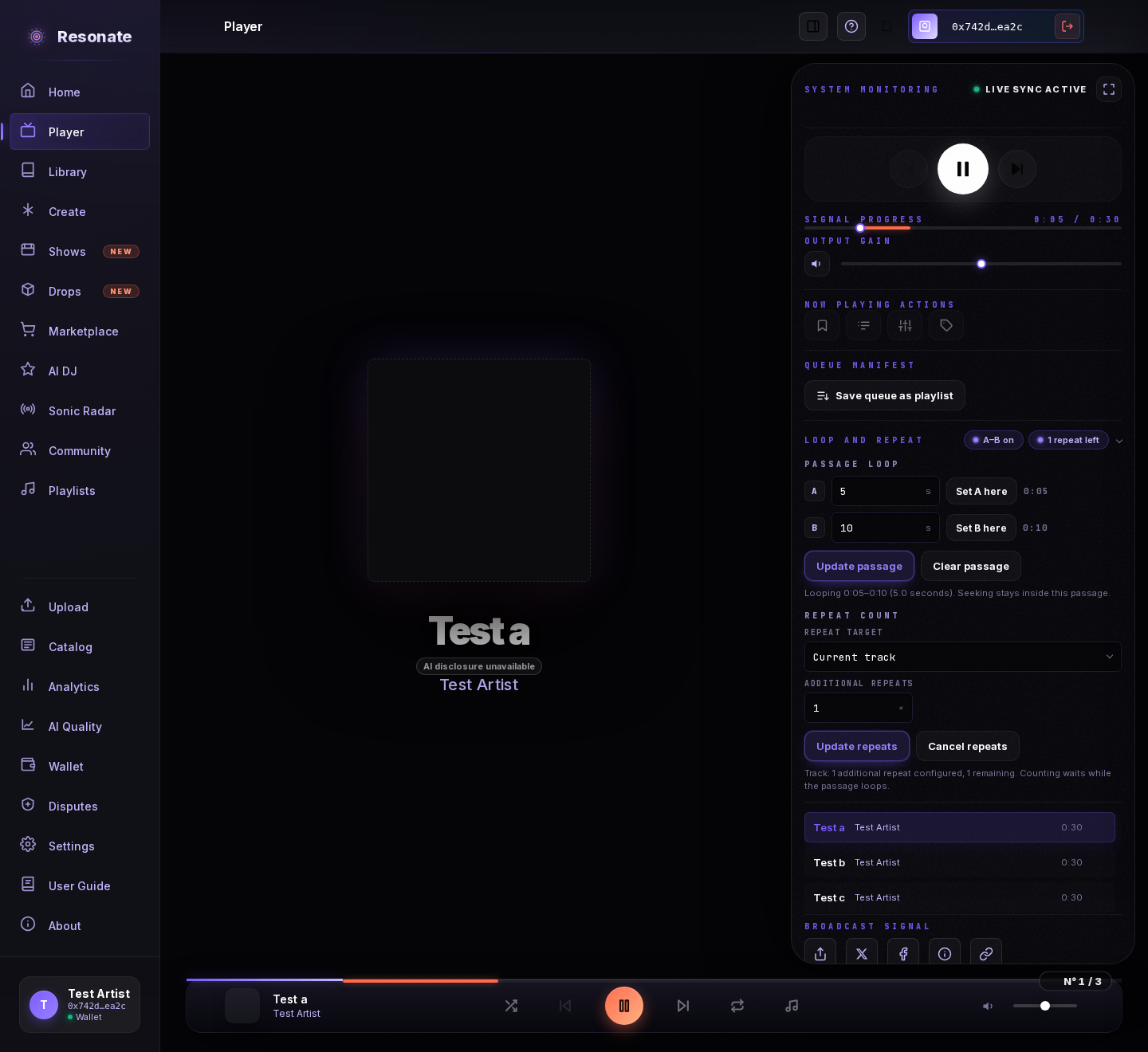
- Choose Save queue as playlist beside Queue Manifest to keep the whole queue in its displayed order, including tracks already played. Give it a name and folder. An unchanged playlist offers View playlist instead; changing its queue lets you save a new playlist without overwriting the original. Review any tracks that cannot be saved before confirming.
- Open Loop and repeat in the player bar or full player. Set A and B in seconds, or mark your current position with Set A here and Set B here, then choose Loop passage. Seeking stays within that passage until you clear it; changing tracks clears the loop.
- Choose Current track or Entire queue and a number of additional repeats. One additional repeat means one replay after the current pass. The remaining count changes only at a natural track end or complete queue cycle. Passage loops pause that count. You can update or cancel repeats, and selecting an infinite repeat mode replaces the finite plan.
- Skipping to another track cancels a track repeat plan. Replacing or clearing the queue cancels a queue repeat plan. Repeat plans stay active while navigating the app, but do not carry into a new browser session.
- Select the sound icon to mute; select it again to restore your previous volume. The slider stays synchronized.
- With a keyboard, use Tab to reach named playback controls and the position or volume sliders, then use the arrow keys to adjust a slider. A Skip to main content link appears when it receives focus, and the current navigation page and open playlist panel are announced to assistive technology.
- Open immersive mode from the Player for artwork, track details, controls, volume, and queue access. Use the visible control or Escape to leave it without losing your place.
- Signed-in listeners see Saved in green when the current track is already in their library. Select Saved to remove it again.
#Actions while you listen
- Save the track to your library or add it to a playlist.
- Every track shows the same actions in the same places. One that isn't available for the current track stays in its spot, dimmed — select it to see why.
- Inspect stems opens the release page with every stem of the track, so you can hear the individual parts.
- Remix opens Remix Studio straight away when you are allowed to remix the track; when a remix license is needed, it takes you to the license instead.
- Check the AI-contribution badge without leaving the player.
- Open licensing actions when a stem is available to collect or license in Browse stems.
- Support a show when the playing artist has a live campaign; the chip opens the campaign page so you can review the details before pledging.
- Share what you are playing from Broadcast Signal. The link opens the track's release page, with its cover in the preview. When the artist has a live show campaign, the post invites your friends to back it and links to it. The post only mentions what the artist keeps from a sale when something of theirs is actually for sale. Tracks with a public Resonate release can be shared; files from your device cannot.