#Taste memory controls
You decide how much your activity personalizes Resonate. From Settings you can view a plain-language summary of your taste, opt in or out of social taste matching, control city/scene discovery, choose whether AI DJ playback trains your taste, hide or downrank signals, and reset your taste inputs — without ever exposing your raw history. Turning off AI DJ playback trains taste also pauses learning from player starts, skips, completions, loops, library saves and removals, and playlist additions. This feedback is used only with your permission for optional usage measurement. Playback sends only broad time-of-day and weekday/weekend categories, never your time zone or exact local time.
Taste Memory shows your top genres, moods and artists, plus energy and pace preferences when the music has measured features. It can also show preferences for mornings, afternoons, evenings or nights on weekdays and weekends. Recent listening matters more as older signals fade. These are summaries, not a list of your plays. Hiding a preference removes it from learned summaries; reset clears all learned summaries and keeps the edits you explicitly saved.
Your listening lanes show the different sides of your taste once you have enough repeated listening across sessions. Each card uses music labels and broad times, such as weekday evenings. Choose Hide from mixes to leave that lane out, or Restore to mixes to bring it back. Choose My Mix in the AI DJ to blend your visible lanes. Hiding a lane leaves it out of future mixes. Reset clears learned lanes and their hide choices, while keeping the preferences you explicitly saved.
Prefer to just say it? Under Taste Memory, type what you want in your own words — for example "less drill, more live instruments" — and choose Preview changes. We list exactly what would change as plain statements such as "Show less Drill". Untick, switch between more and less, or remove any line, then choose Apply. Nothing is saved until you apply, and anything we could not understand is shown as such and is never saved.
If you asked for more of a genre or mood a while ago and your recent listening has moved elsewhere, Taste Memory says so: "Your saved taste and your listening have drifted apart". You can choose Show more for what you have been playing, which only fills in the preview below — nothing is added until you apply — or Remove the boost, which takes it off your list straight away, just like removing it from the list itself. Your saved boosts never fade or change on their own.
- What you apply shows up in the same list as your other taste controls, marked as declared by you. Remove an entry there to undo it.
- Declared taste stays until you remove it — it never fades with time — and it counts for more than what we have inferred from your listening.
- You can ask for more or less of a genre or a mood, hide an artist by name, or say how energetic you like your music.
- Wishes that are not a genre, mood, artist or energy level, such as "more live instruments", are saved as a note you can read back. Where music matching is switched on, a note also helps us find tracks that sound like what you wrote. It is a gentle nudge, not a filter, and removing the note stops it.
#Notifications
Choose which updates you receive, including marketplace listing reminders (for example, when your listings are about to expire).
#Library & profile
- Manage your display profile.
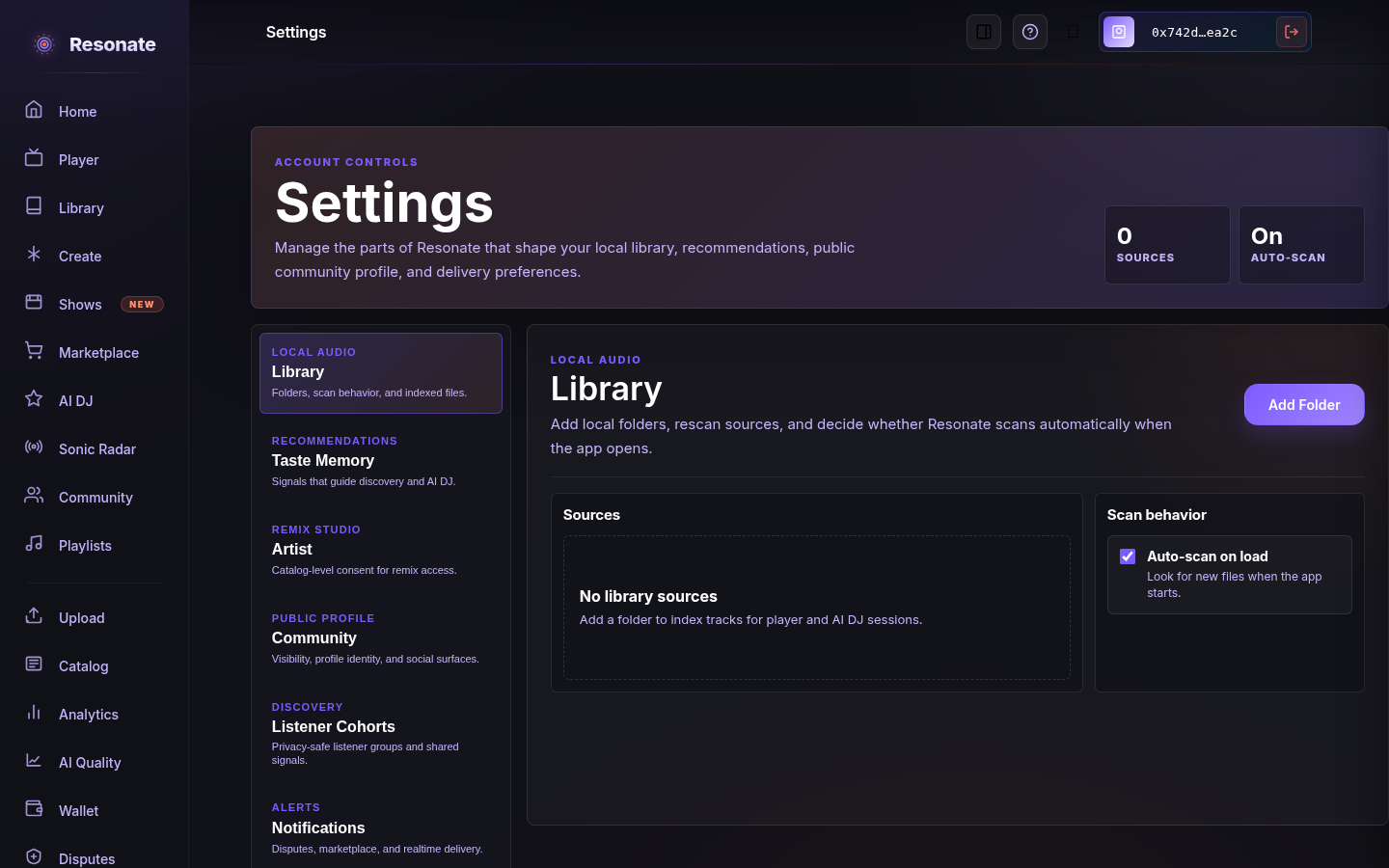
- Configure library sources and scan behavior (especially in the desktop app).
- Manage cohort participation, which links through to Community.