#Uploading a track
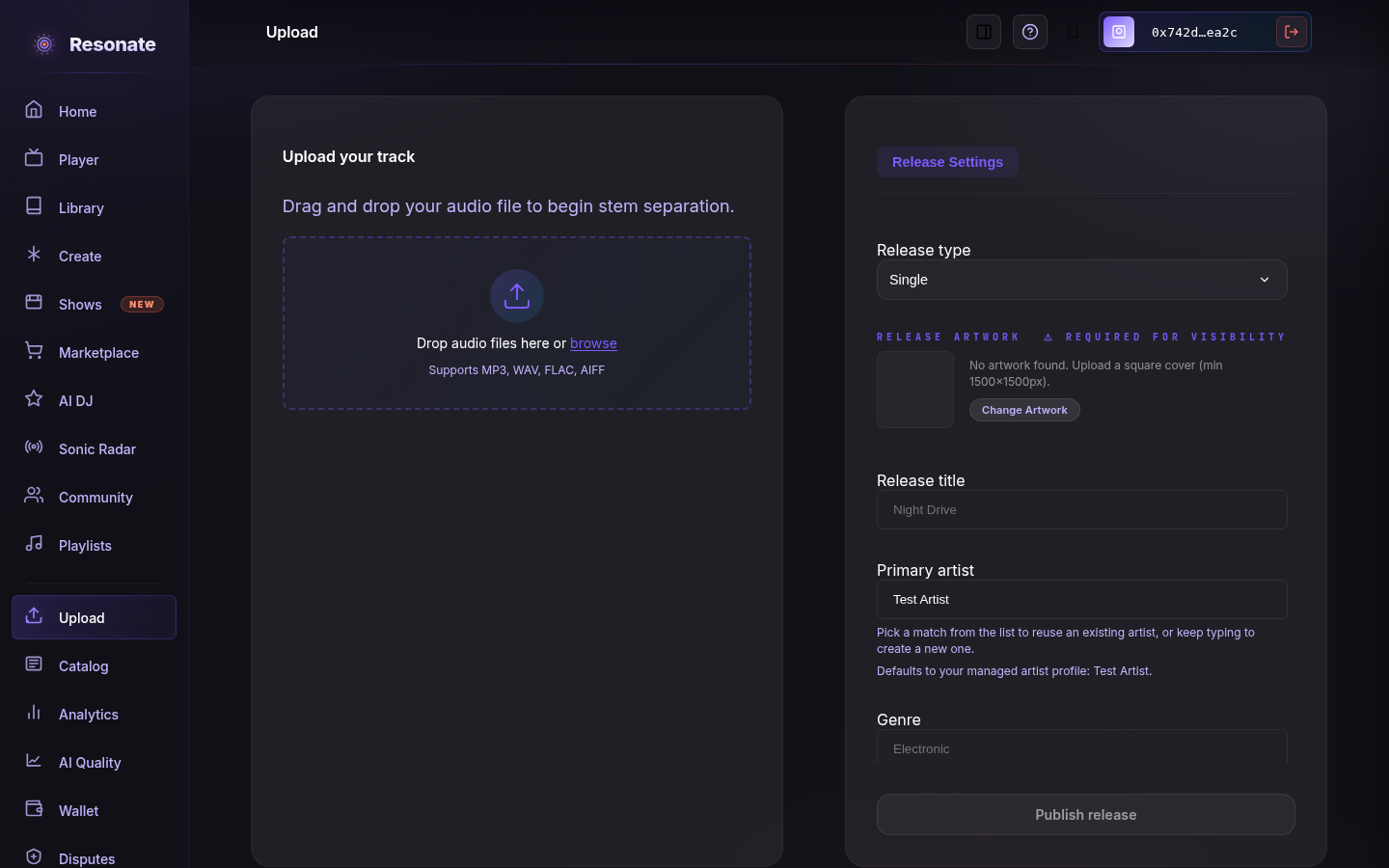
- Open Upload and connect your account.
- Add your audio file and cover art.
- Resonate processes the track and separates it into stems (vocals, drums, bass, and more) automatically.
#Declare AI involvement for each track
Before publishing a new upload, choose Human-made, AI-assisted, or Fully AI-generated for every track. For a multi-track release, you can apply one choice to all tracks and then adjust individual tracks.
- Human-made
- Choose this when you are declaring that AI did not contribute to the track.
- AI-assisted
- Choose this when AI contributed to part of the track, then select at least one affected area: vocals, instruments, writing, production, or post-production.
- Fully AI-generated
- Choose this when the whole recording was generated with AI.
#Crediting artists
Add the primary artist, track artist, and any featured artists. Choose the exact existing profile when Resonate suggests one, especially if several artists share a name. If several artists share the name, the list shows how many and a short ID beside each one — pick the right one, or add a new artist, which is held for review before it links to a profile. Your selected primary artist stays linked to that exact profile when you upload.
#Rights & publishing
Publishing uses a release-specific route. You may self-attest provenance for an upload, but self-attestation is not independent rights verification. Depending on account trust and release signals, Resonate may publish with limited monitoring, request evidence, or route the release for review. Marketplace access and payout eligibility remain gated by the release's rights state; account verification alone does not clear release rights.
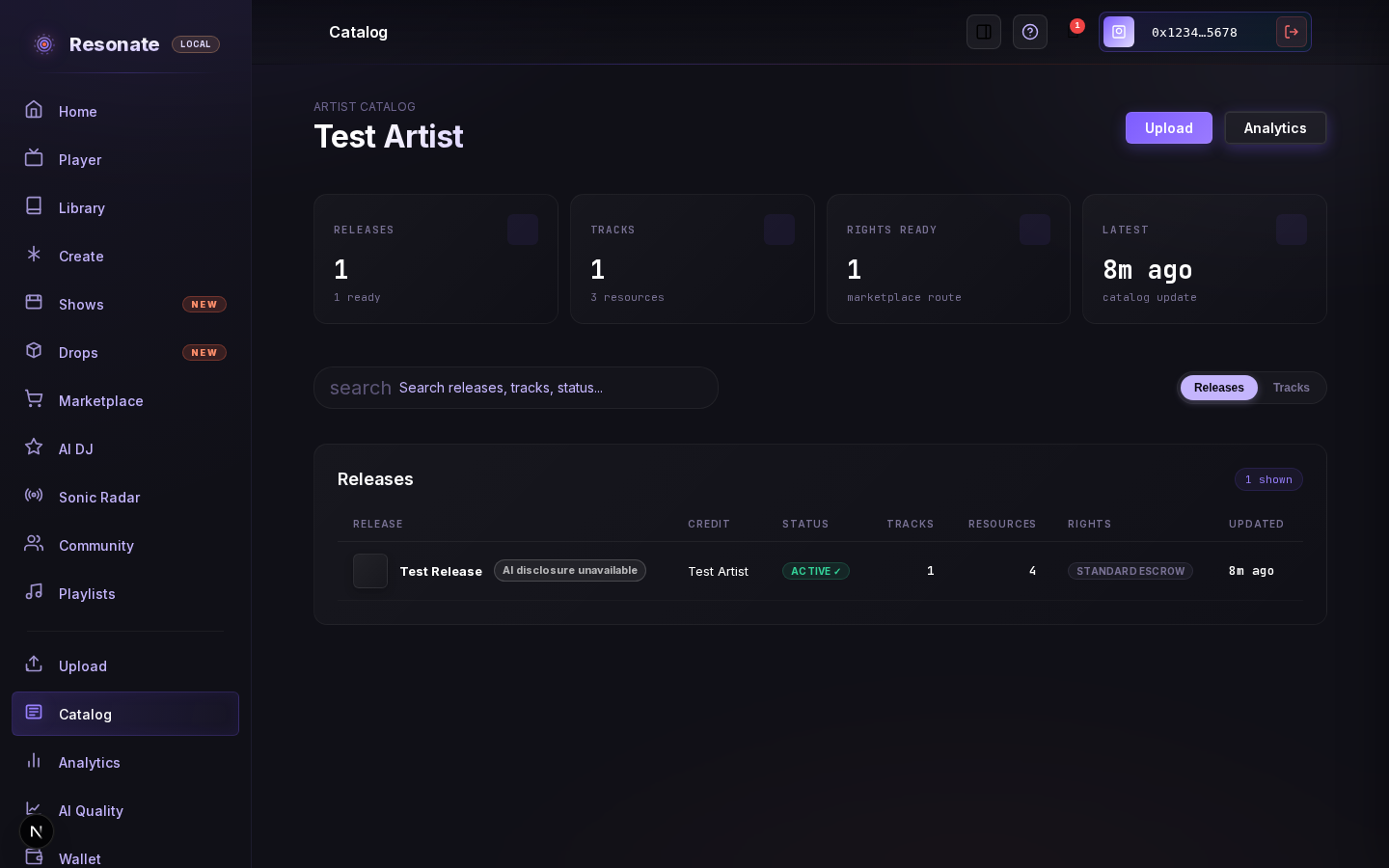
After publishing, open Your catalog to follow processing. Release and track statuses update while the page is open, including failures. The catalog checks again when you return to the tab, so you do not need to reload it to see the latest result.